My Small Business Beginner's Guide
Last updated:
New to My Small Business? This guide walks you from the Create your Brand screen to your first shipped package, in the order the game teaches it. Everything here comes from gameplay videos uploaded October 24–26, 2026.
1. Create your brand
When you join, a Create your Brand! window opens. You choose:
- a business name (for example "Cloud Paper Co." or "Berry Crafts"),
- a main colour and an accent colour,
- a logo icon,
- and you get a preview of your shop sign and packaging.
Press Create My Brand!. The brand name then shows next to your level bar at the bottom left. Naming your shop also completes the first quest.
2. Learn the buttons
| Button | What it does |
|---|---|
| Shop | Robux store: passes, coin packs, starter packs |
| Designs | Draw new product designs |
| Orders | See customer orders and your star rating |
| Expand | Buy upgrades and new furniture with coins |
| Collab | Invite other players to work in your shop |
Your coins sit above the level bar. Quests appear at the top right.
3. Draw your first design
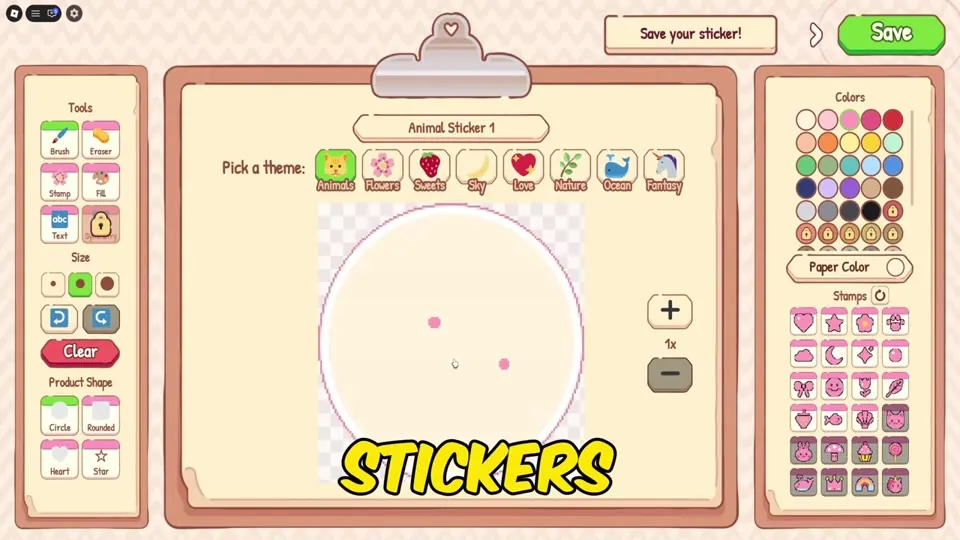
Open Designs, pick Sticker, then pick a theme (Animals, Flowers, Sweets, Sky, Love, Nature, Ocean or Fantasy). Use the brush, stamps and fill tools, then press Save. This earns the First Masterpiece badge. Tip from NoobBlox: customers only care about the theme, not how good the drawing is. See Designs & Themes.
4. Print and cut
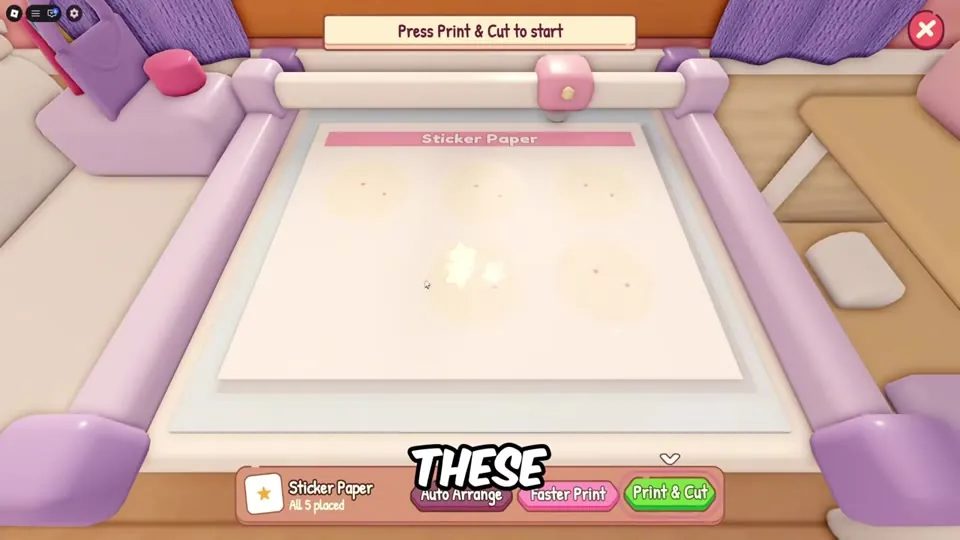
Go to the printer, choose your design, set how many to print and press Print. Then on the cutting mat use print & cut and peel each sticker out. The printer shows what each item sells for and what it costs to print.
5. Stock your shelves
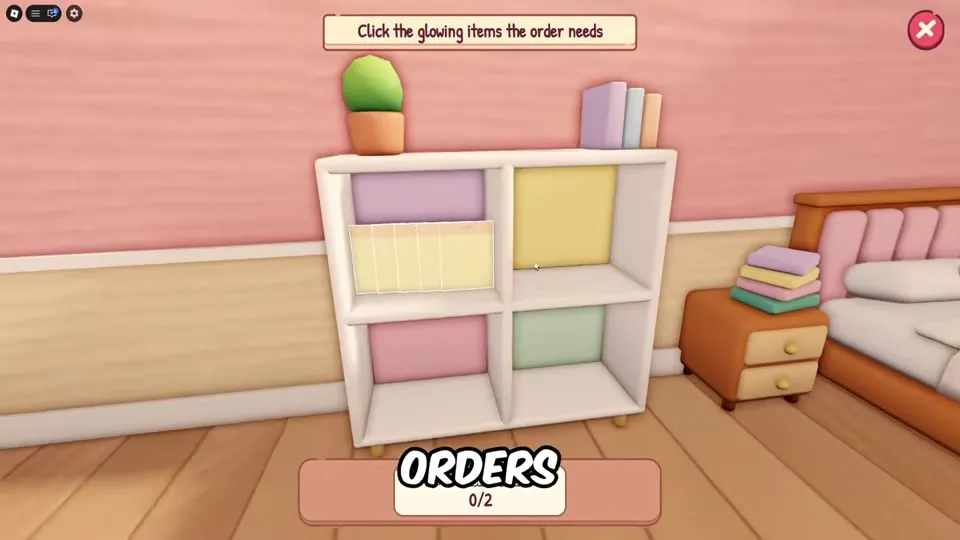
Click your finished stickers and place them on the shelf. Orders are picked from these shelves, so keep every theme customers want in stock.
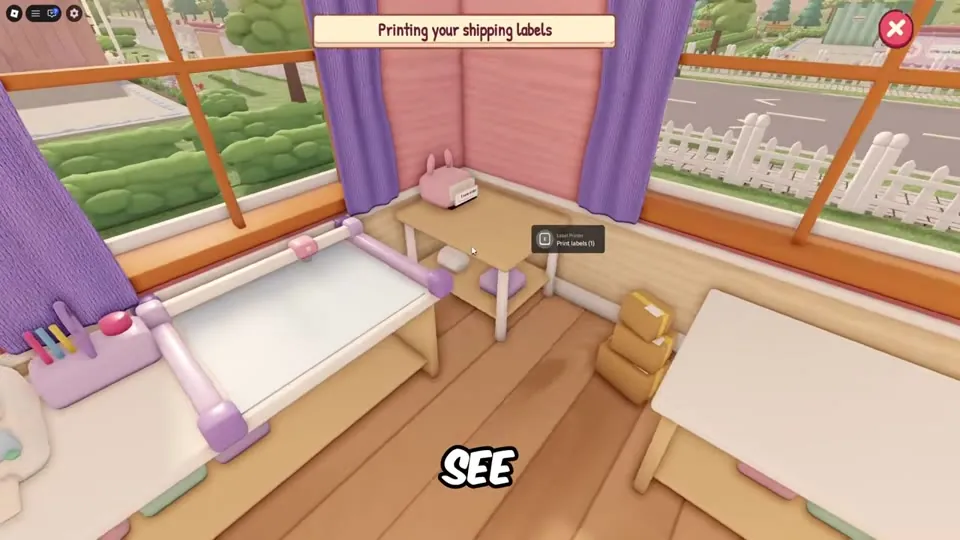
6. Print shipping labels
At the Label Printer, print shipping labels. The Orders board even reminds you when "1 order is waiting at your Label Printer".
7. Take an order and pack it
- Open Orders and press Start on a customer (each shows the reward, like "$18 + Tips", and the item they want).
- Grab the right items from the shelf. Match the theme – a Flower order needs Flower stickers.
- Choose the smallest box that fits. A perfect fit gives +10% tip.
- Drag the items in, add goodies for extra tip, press Done.
- Fold the flaps, tape with the tape gun, then tie a ribbon or drag on the label, and ship.
Your first shipment earns the First Delivery badge. Full details: Orders & Packing.
8. Spend your first coins
Open Expand. Good first buys are the Order Clipboard ($15, hold 3 orders at once), Bookmark Cardstock ($30, unlocks bookmarks) and the cheap tip items. See all upgrades and prices.
9. Keep levelling
Shipping orders gives XP. Level 2 shows "More upgrades unlocked!", and new products unlock at levels 5, 8, 13 and 17. Next read: how to make money fast.
Sources: gameplay videos by MENG MENG (Oct 24 and 25), NoobBlox (Oct 26) and AYA Roblox (Oct 26, 2026), plus the official game description. Prices and numbers can change in updates. Anything unconfirmed is labelled to be verified.
Video guide
Frequently asked questions
How do you start in My Small Business?
Create your brand, draw a sticker in Designs, print and cut it, stock it on the shelf, print a shipping label, then start an order, pack it in the smallest box that fits and ship it.
Does my drawing quality matter?
No. Orders ask for a theme such as Flowers or Fantasy. Any design in that theme counts.