
Orders & Packing in My Small Business
Last updated:
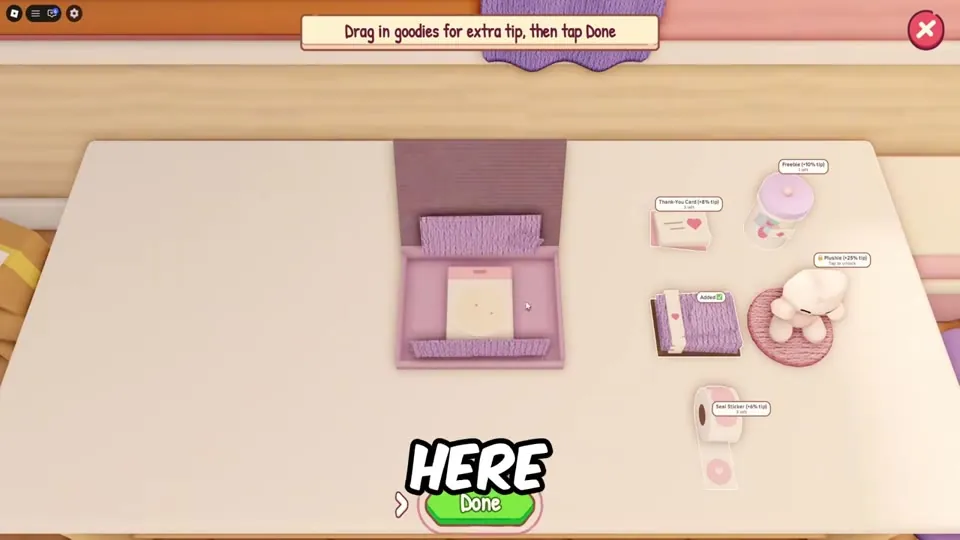
Packing is where you turn products into coins. Do it well and you earn bigger tips and climb toward a 5-star rating and the Five-Star Shop badge.
The Orders board
Open Orders to see your star rating (e.g. "5.0 Star Rating"), how many active orders you hold (e.g. "2/3 Active Orders") and each customer. Each order shows the customer's name, a short message, the pay ("$21 + Tips") and the item wanted. Press Start.
Packing step by step
- Pick items from the correct shelf slot – match the theme.
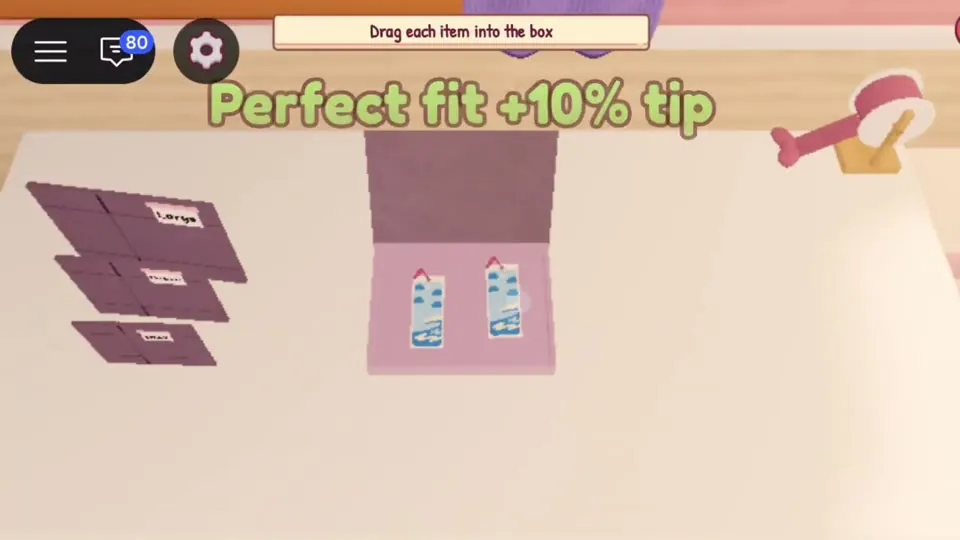
- Choose a box. Drag the smallest box that fits. Exact fit = "Perfect fit +10% tip".
- Drag each item in ("Drag each item into the box").
- Add goodies ("Drag in goodies for extra tip, then tap Done").
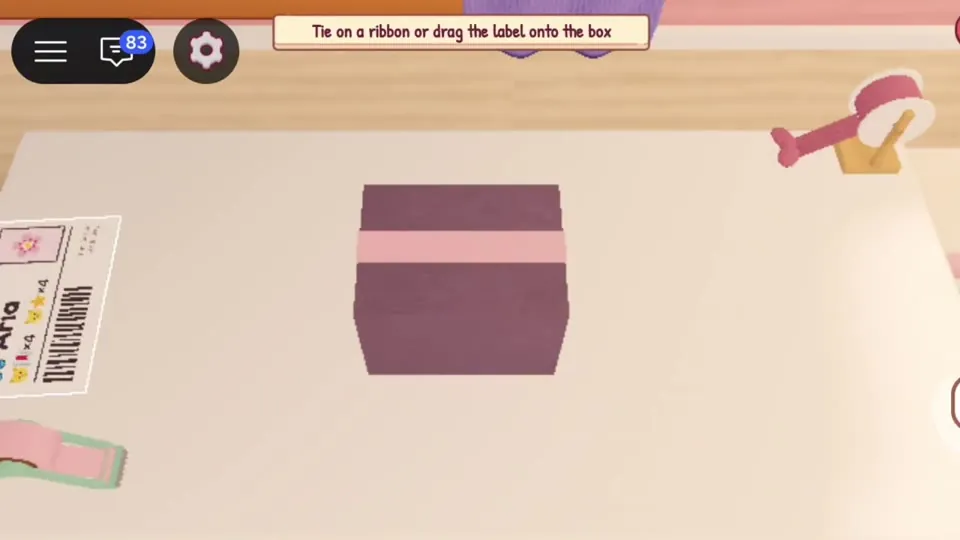
- Fold the flaps.
- Tape – "Drag the tape gun along the flap edge".
- Finish – "Tie on a ribbon or drag the label onto the box". Ribbon needs the Ribbon Spool upgrade.
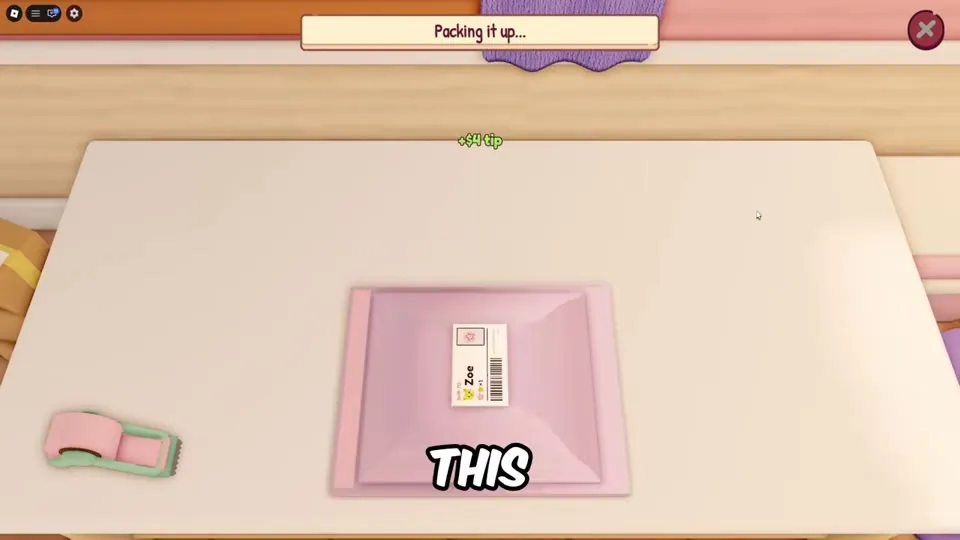
- Ship it.
Holding more orders
| Upgrade | Price | Effect |
|---|---|---|
| Order Clipboard | $15 | Hold 3 orders at once |
| Cork Order Board | $95 | Hold 1 more order |
| Social Media Post | $1k | Orders arrive 15% sooner |
| Request Board | $1.1k | Special requests pay 20% more |
Star rating
The shop has a star rating shown on the Orders board. Only 7.8% of players have the Five-Star Shop badge (Roblox API, Oct 27). What lowers your rating – wrong items, slow shipping, bad box fit – is to be verified. Packing the exact items quickly is the safe approach.
Tips for faster packing
- Box Organizer ($35) shows the perfect box size.
- Auto Arrange pass (R$74) arranges items for you to be verified.
- Keep goodies stocked; the Goodies Shelf ($105) lets you buy goodies for coins.
Sources: gameplay videos by MENG MENG (Oct 24 and 25), NoobBlox (Oct 26) and AYA Roblox (Oct 26, 2026), plus the official game description. Prices and numbers can change in updates. Anything unconfirmed is labelled to be verified.
Video guide
Frequently asked questions
How do I get a perfect fit tip?
Choose the smallest box that still holds every item in the order. The game shows "Perfect fit +10% tip".
How many orders can I hold?
You start with fewer slots; the Order Clipboard lets you hold 3 orders at once and the Cork Order Board adds one more.